⌘
Real PC control
Launches and closes apps, types into windows, presses shortcuts, clicks buttons and reads what's on screen — then verifies the result.
 J.A.R.V.I.S.
Download
Talk to J.A.R.V.I.S. in English or Filipino. It opens your apps, organizes files, searches the web, checks your system and controls your Android phone — then tells you exactly what it did.
Free · Windows 10/11 · Android 7+ · Works with a free Google Gemini key
Every action is real, verified, and logged — and anything risky waits for your approval.
Launches and closes apps, types into windows, presses shortcuts, clicks buttons and reads what's on screen — then verifies the result.
Say “Hey JARVIS” or press Talk. Speech is recognized on your PC, and replies come back in a natural neural voice.
“Open Chrome”, “how much RAM”, “lakasan ang volume”, “anong oras na” run in under a second — no AI wait.
Find, read, summarize and sort documents. Organizing a folder shows you the plan first, and every move can be undone.
Pair your Android phone over Wi-Fi and JARVIS can open apps, tap, type and read the screen. Calls and texts always wait for you.
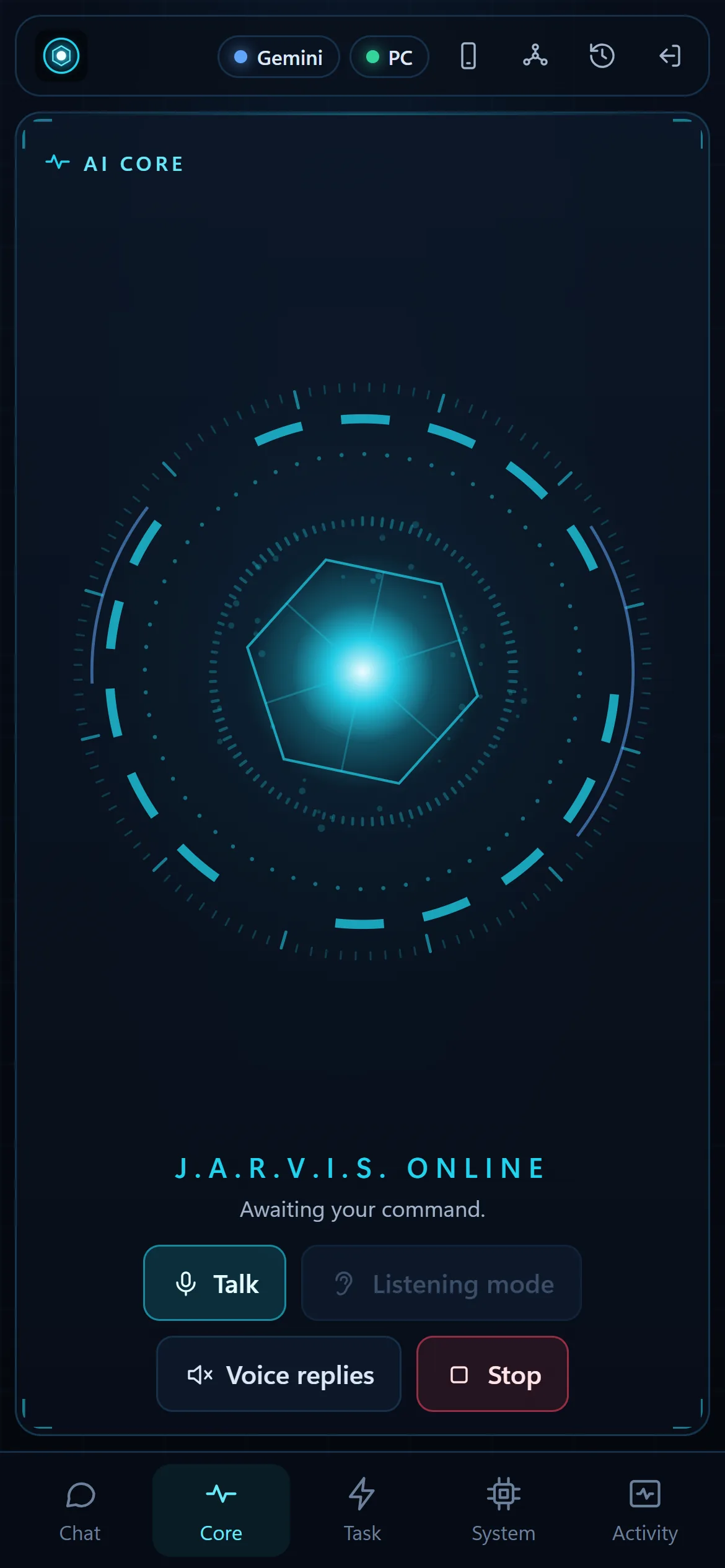
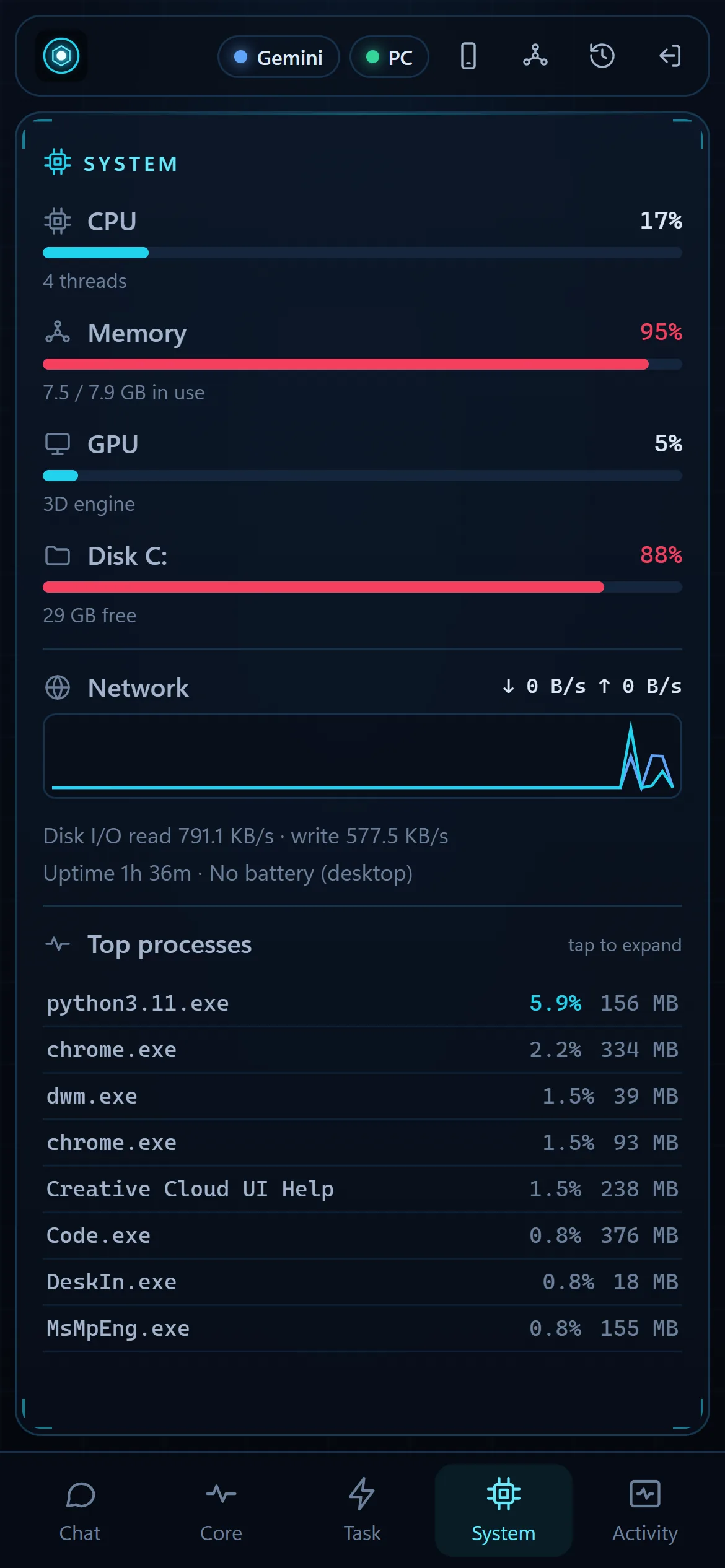
The same command center in any browser on your Wi-Fi, or the Android app with your phone's microphone and voice.
Download the Windows package and run install.bat. It sets everything up and adds a Desktop shortcut.
Get a free Gemini key at aistudio.google.com and paste it in Settings → AI. Claude is supported too.
“Open Visual Studio Code.” “Find all PDFs in Downloads.” “Why is my PC slow?” “Buksan mo ang YouTube sa phone ko.”
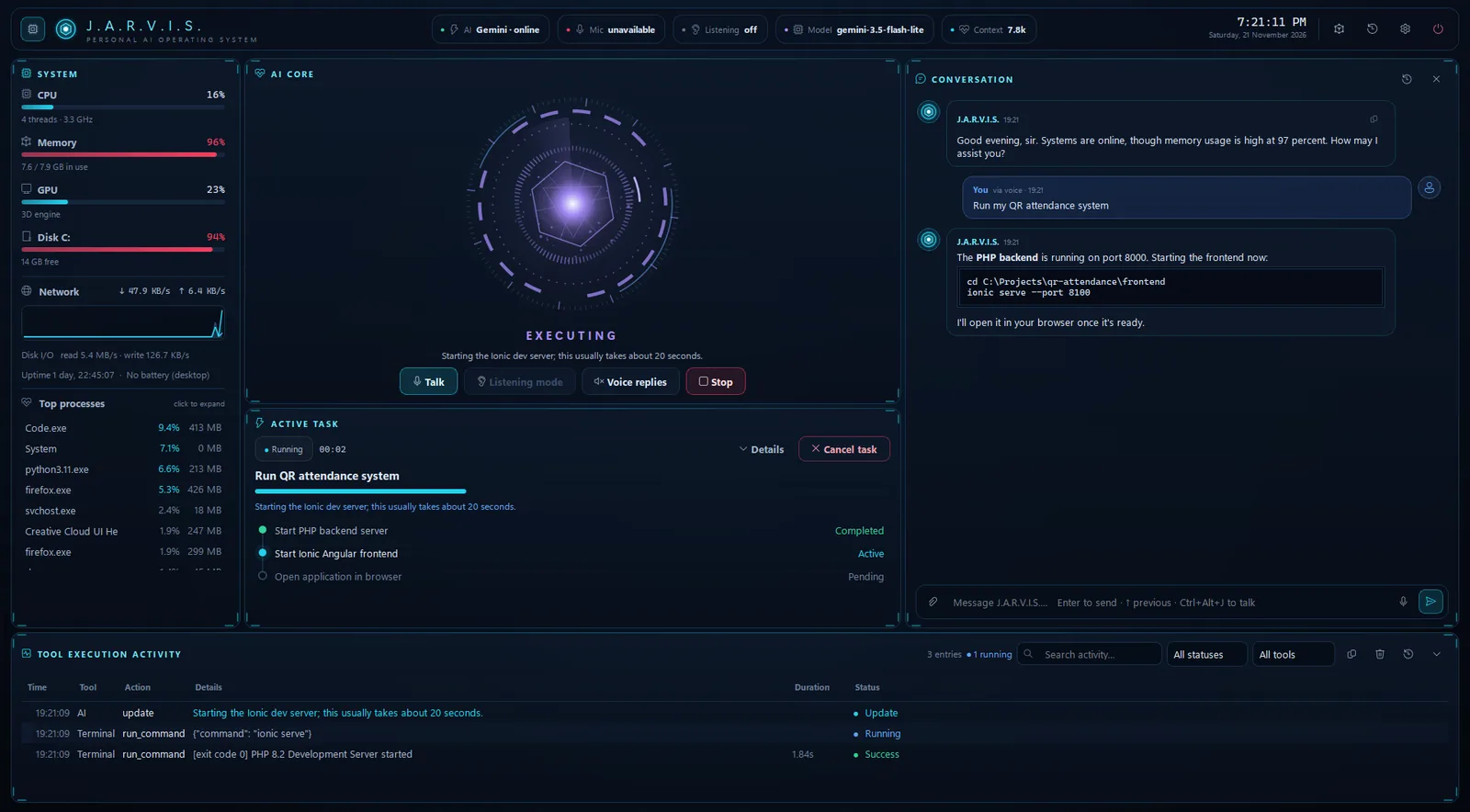
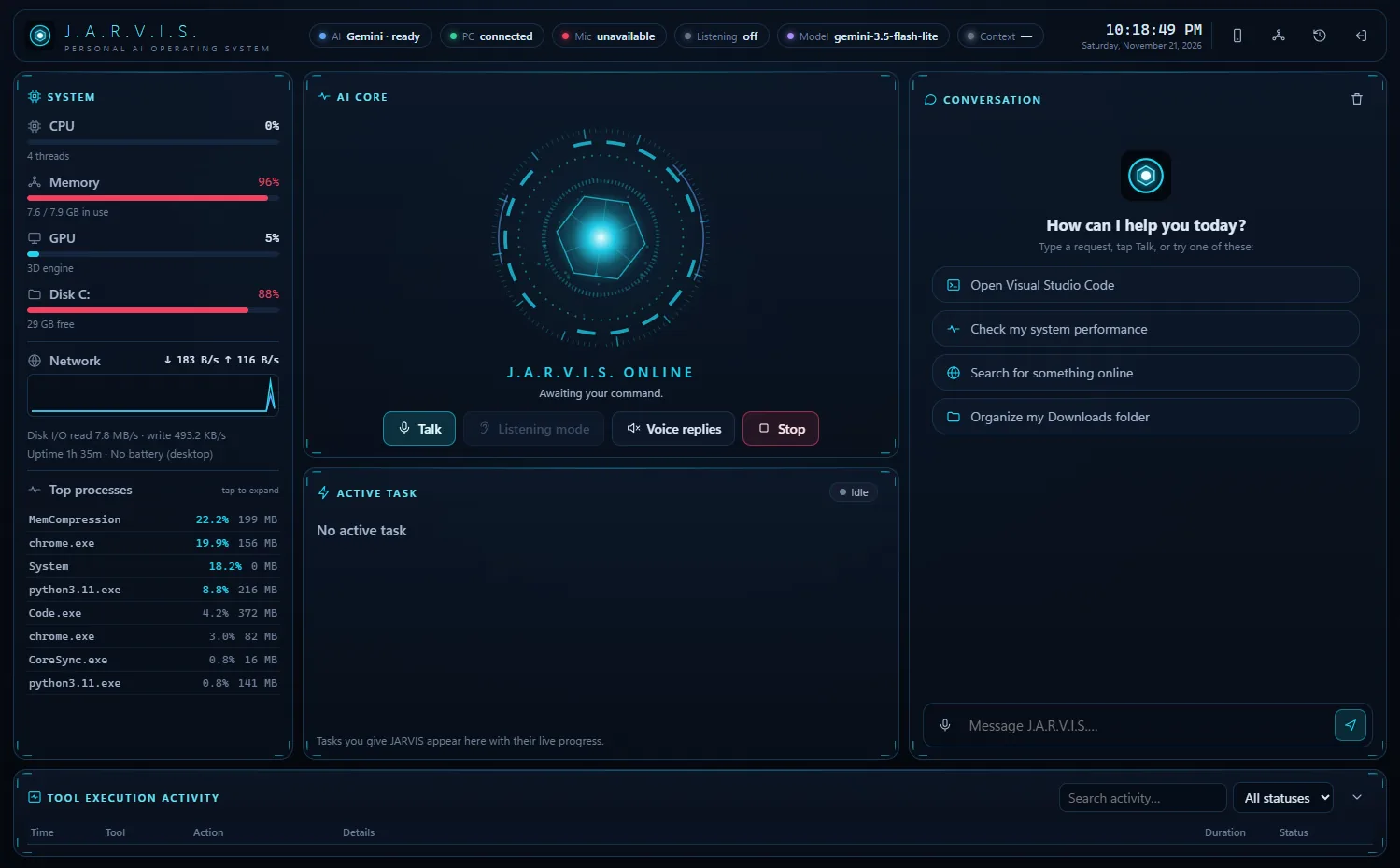
Live system monitor, AI core, task timeline, conversation and a full execution log.
Version 1.0 (f1713a2) · updated November 21, 2026
install.bat (first run downloads ~1 GB of components).Requires Windows 10/11, 8 GB RAM recommended, internet for the AI. Microphone optional.
13c69aa1c15dcb75f09b791f6c1dd0d924bc8206ac601496df46b540b596fe54Android 7.0+. The app connects to J.A.R.V.I.S. on your own PC over your Wi-Fi.
3c3afbd5aeffdb362b6d76441b6b55860adf5b96cd7c8334d289c159d60dfd40Deleting, overwriting, installing, running scripts, sending or buying always shows exactly what will happen and waits for you.
Press Stop, Esc or Ctrl+Alt+X — or flick the mouse to the top-left corner — and every action halts instantly.
Never disables antivirus or the firewall, never gets admin rights, never types passwords, never sends messages by itself.
Voice is transcribed on your PC. Keys are stored in Windows Credential Manager. The phone app talks only to your own PC.
A full execution log shows every tool JARVIS used, with its inputs, results, duration and whether you approved it.
File access is limited to your personal folders unless you approve otherwise. System folders are never modified.
Yes. J.A.R.V.I.S. is free. The AI runs on Google Gemini's free tier by default (with per-minute/per-day limits). You can switch to Anthropic Claude with your own pay-as-you-go API credits.
No. It was built and tested on a 4-core i5 with 8 GB RAM and integrated graphics. Simple commands run instantly; AI requests depend on your internet and the AI provider.
The APK is installed directly instead of through the Play Store, so Android asks you to allow it once. Compare the SHA-256 above with your download if you want to verify it.
Yes — phone control uses Android's built-in Wireless debugging. The app adds the phone's own microphone and voice replies.
Google may use free-tier Gemini requests to improve its products, including screenshots or file contents JARVIS sends while working on a task. Use a paid tier or Claude if that matters to you.
Yes — you can talk and type in Filipino or Taglish, and replies can be spoken with a Filipino voice.